Manage work effectively, with less overhead.

PM Engine is a project and work management system that stays simple, even when multiple teams share multiple projects. Use it as SaaS or host it yourself, with direct support from the team that builds it.

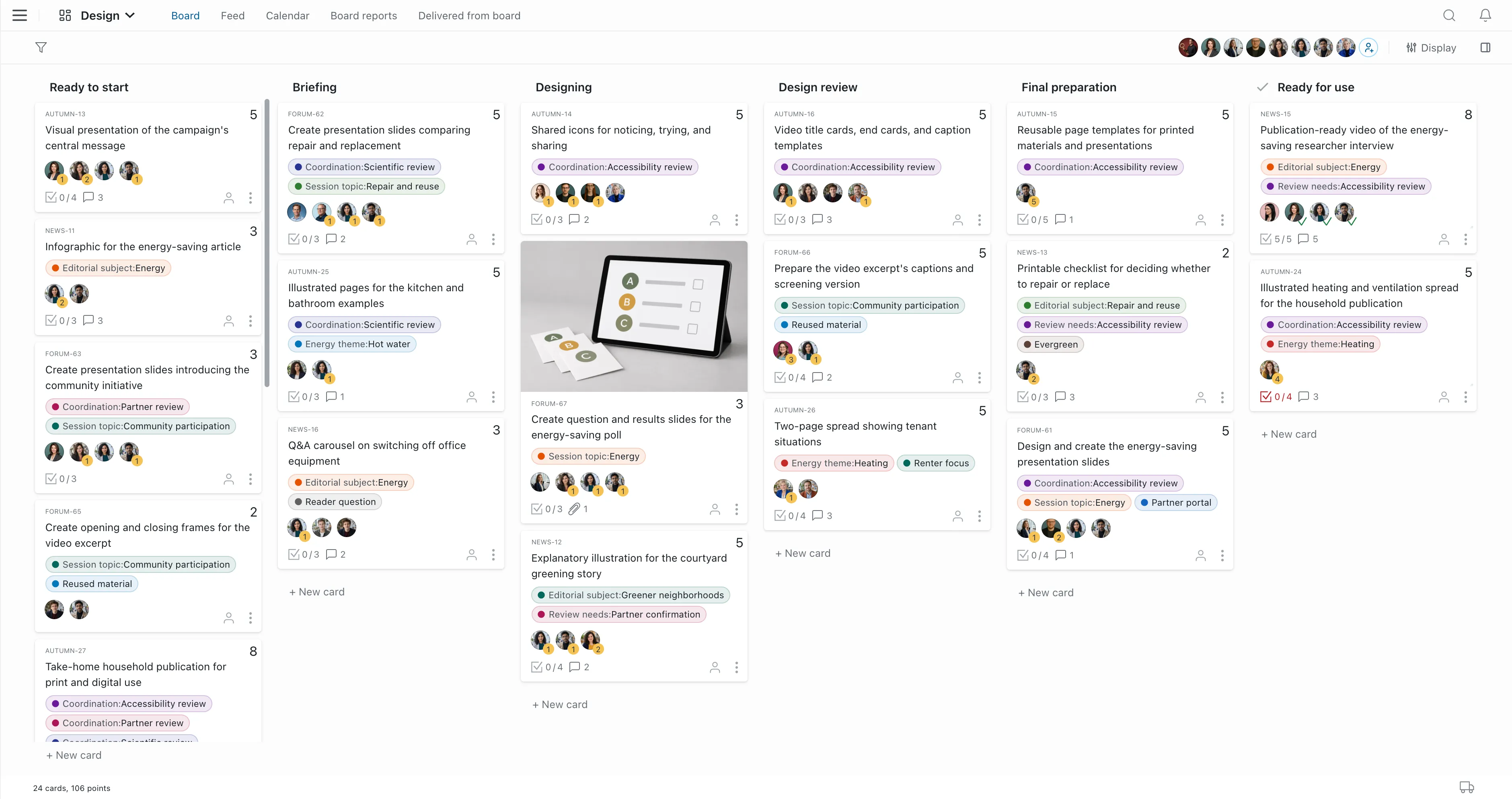
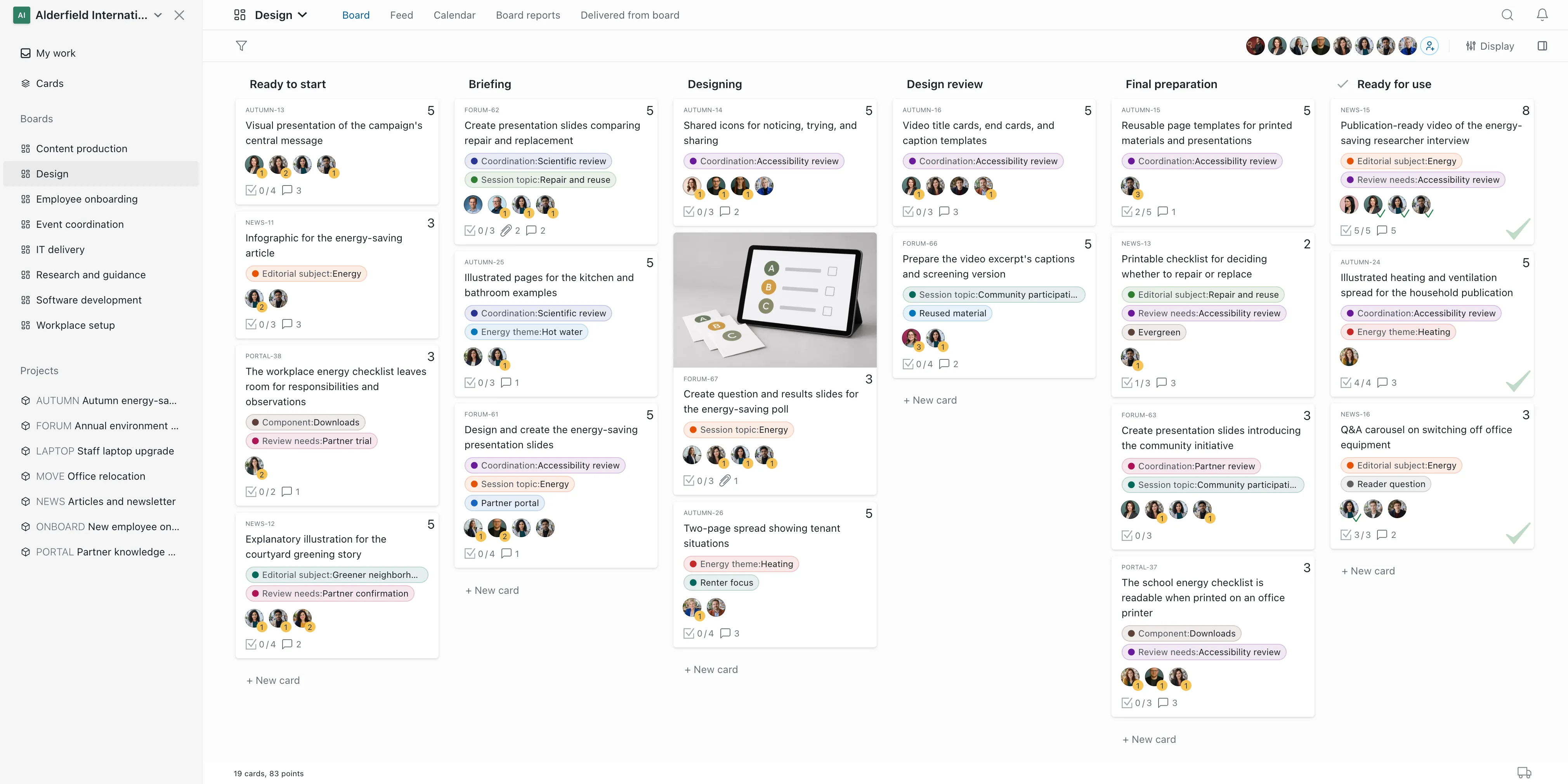
A PM Engine board with cards, a sidebar and a label panel
Benefits

Why PM Engine?

PM Engine combines the convenience of modern SaaS task management tools with the full autonomy of self-hosted software.

Stays simple, even as the work gets more complex

PM Engine is built on a handful of clear, easy-to-learn concepts that your organization can combine freely. On simple projects, you'll be up and running in minutes; when things get complicated, it scales with you.

See how the model works
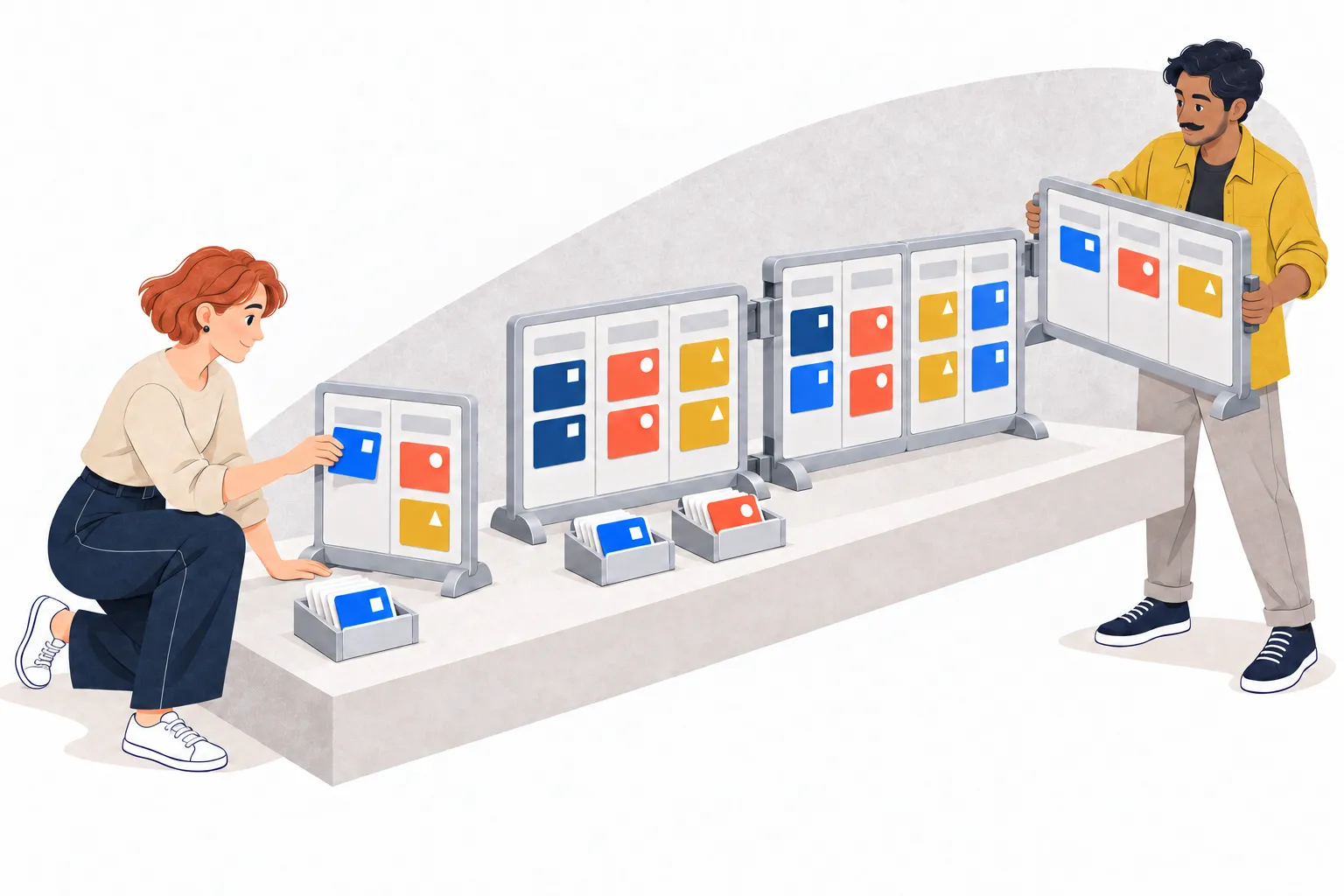
More and more cards and boards, with shared symbols marking which project they belong to and separate project trays

Less overhead, more focus on outcomes

You can start using PM Engine without any complicated setup. There are no field schemas, permission matrices or elaborate workflows to build before work can begin. It's easy to use and maintain day to day, so people actually like using it, and information stays in the shared system.

Two colleagues sort cards marked with project symbols on a simple board and project tray

Your whole organization works in one system

PM Engine is built for work management in general, not just for software teams. A card can represent a new feature, a campaign asset, an employment verification request or a candidate in your hiring pipeline. Boards can be organized around workflows or around teams. Engineering, design, marketing and HR can all work on the same project, each following its own process. One system, one shared view of your organization's work.

People from three disciplines work on their own boards, with their cards linked by a shared project mark and project tray

No vendor lock-in

PM Engine runs on the infrastructure you choose. Your data stays where your organization wants it, and you decide when to update. Buy a perpetual license, and the version you bought is yours to run. It keeps working without an active contract, without a subscription, even if we go out of business. Don't want to run servers? Install PM Engine with your own cloud provider, or ask us for a fully managed environment. Whichever you choose, your data and the application can move anywhere, at any time.

A portable server with a key, moving between a workstation, the cloud and a server room

Easy to install, no deep IT expertise required

PM Engine has native installers for Windows, macOS, and Linux. A project manager or team lead can install it on their own computer in a few minutes. No IT needed. Ready to roll it out to the whole team? Install it in a production environment: your preferred cloud provider or an internal server. On Linux or a Windows server, it takes a single command.

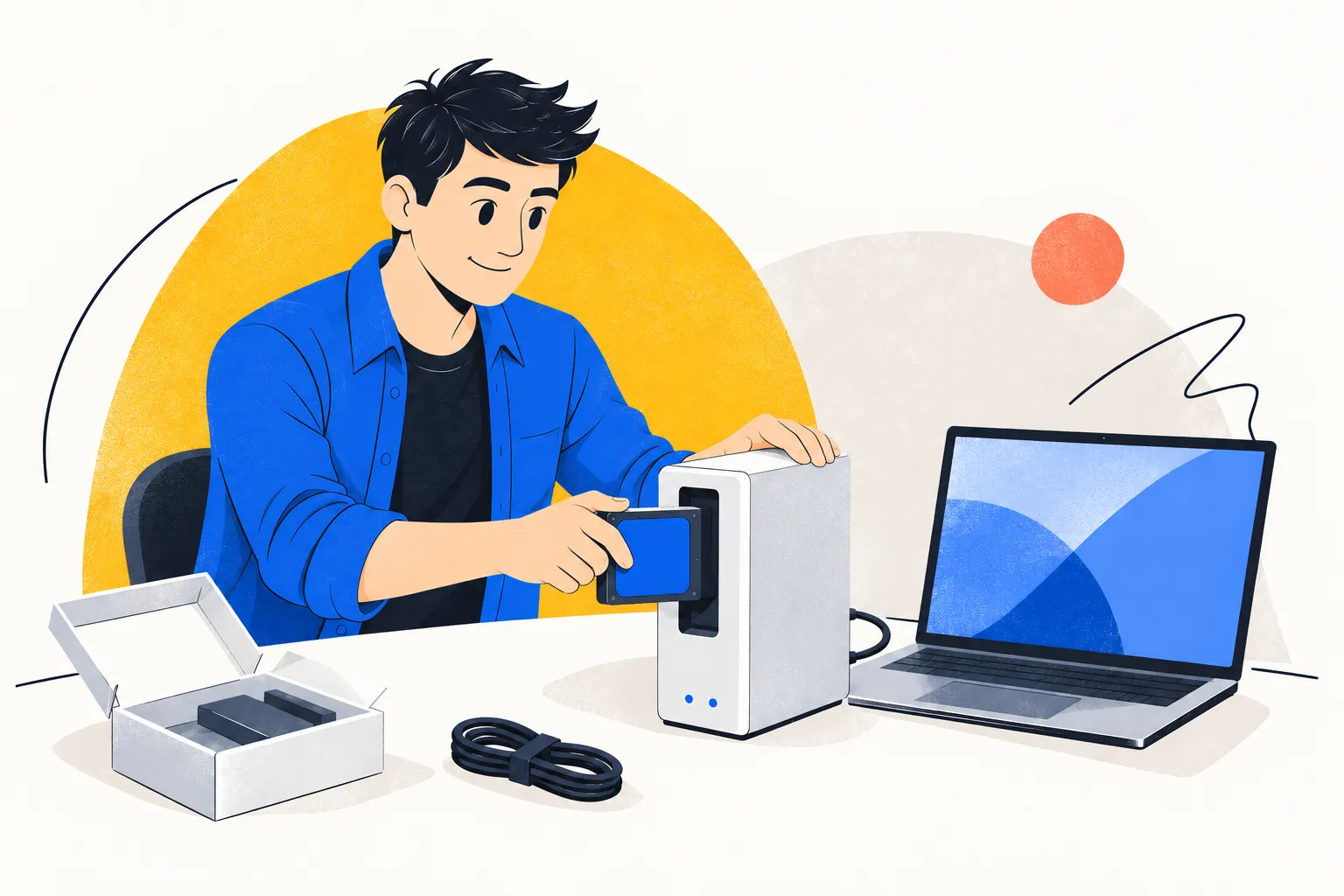
A small device set up in a few steps, next to a laptop

Full ownership, no subscription fees

Buy PM Engine as a perpetual license and pay for it once. The software is yours to run for good. A yearly maintenance plan adds updates and support, but it's optional. Prefer a lower upfront cost? Choose the annual subscription, with updates and support included. The product is the same either way; only the payment differs. Hosting is a separate choice. Either license runs on your own infrastructure or in a managed environment.

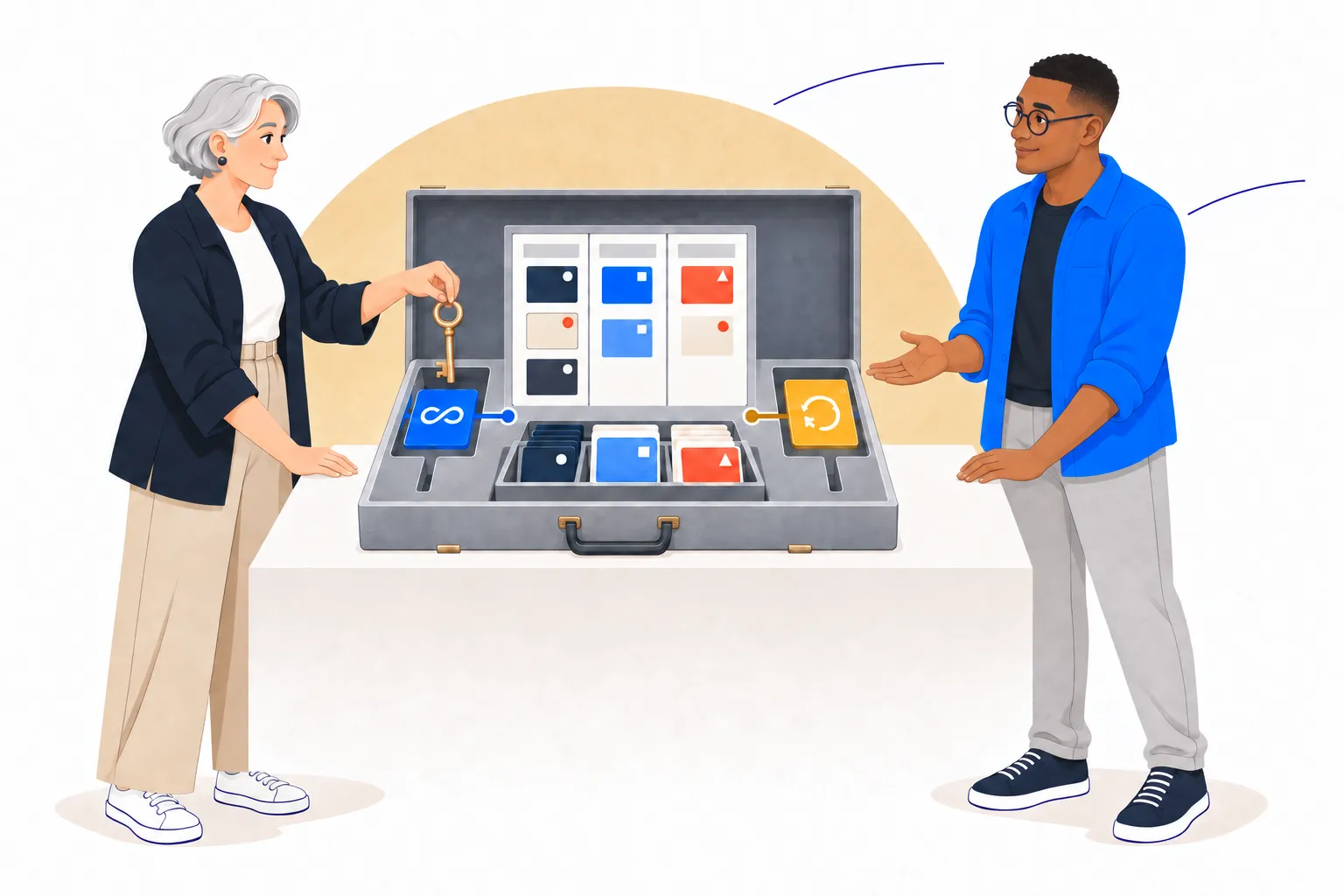
Two colleagues next to a shared PM Engine system with a key and two licensing options
How it works

Deliver more, stay flexible, cut overhead.

PM Engine is built on lean principles: more outcomes delivered, fewer working hours wasted.

Cards

Outcomes come first

Too many organizations stay busy with tasks that move nothing forward. PM Engine starts from the outcome: a feature shipped, an article published, a position filled. Each one is a card, and its tasks live inside it.

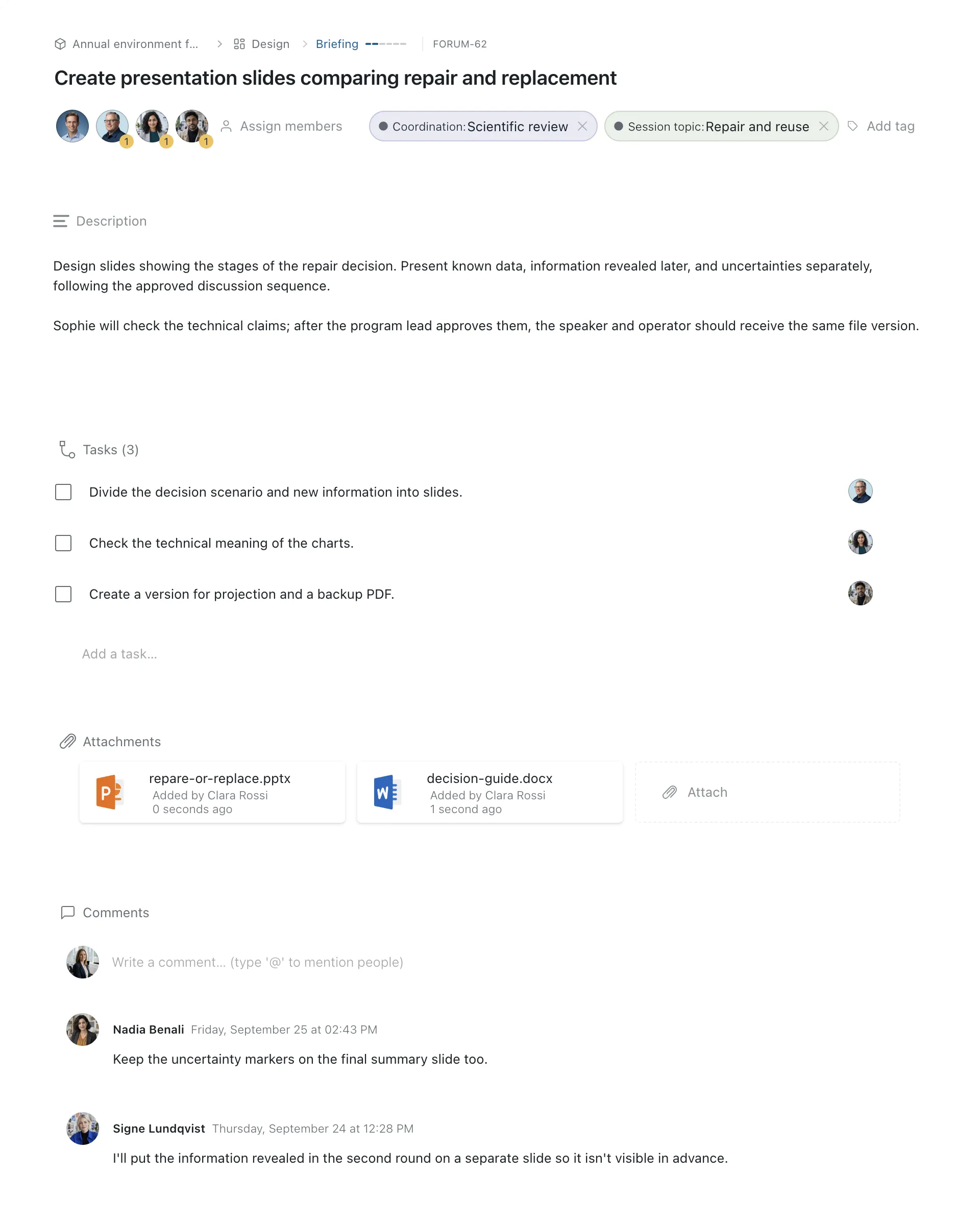
A card keeps everything the team needs in one place: a detailed description, attached documents, tasks, and the comments, questions and answers.

Detail view of a PM Engine card
Boards

Transparent workflows

Cards get done on boards. Each board defines a clear process, and cards move through it step by step. Everyone with access can see the process and where each card stands. Build a board around a workflow, such as a campaign, software development or recruiting. Or build it around a team, such as finance or HR.

A PM Engine board with columns
Projects

All related work in one place

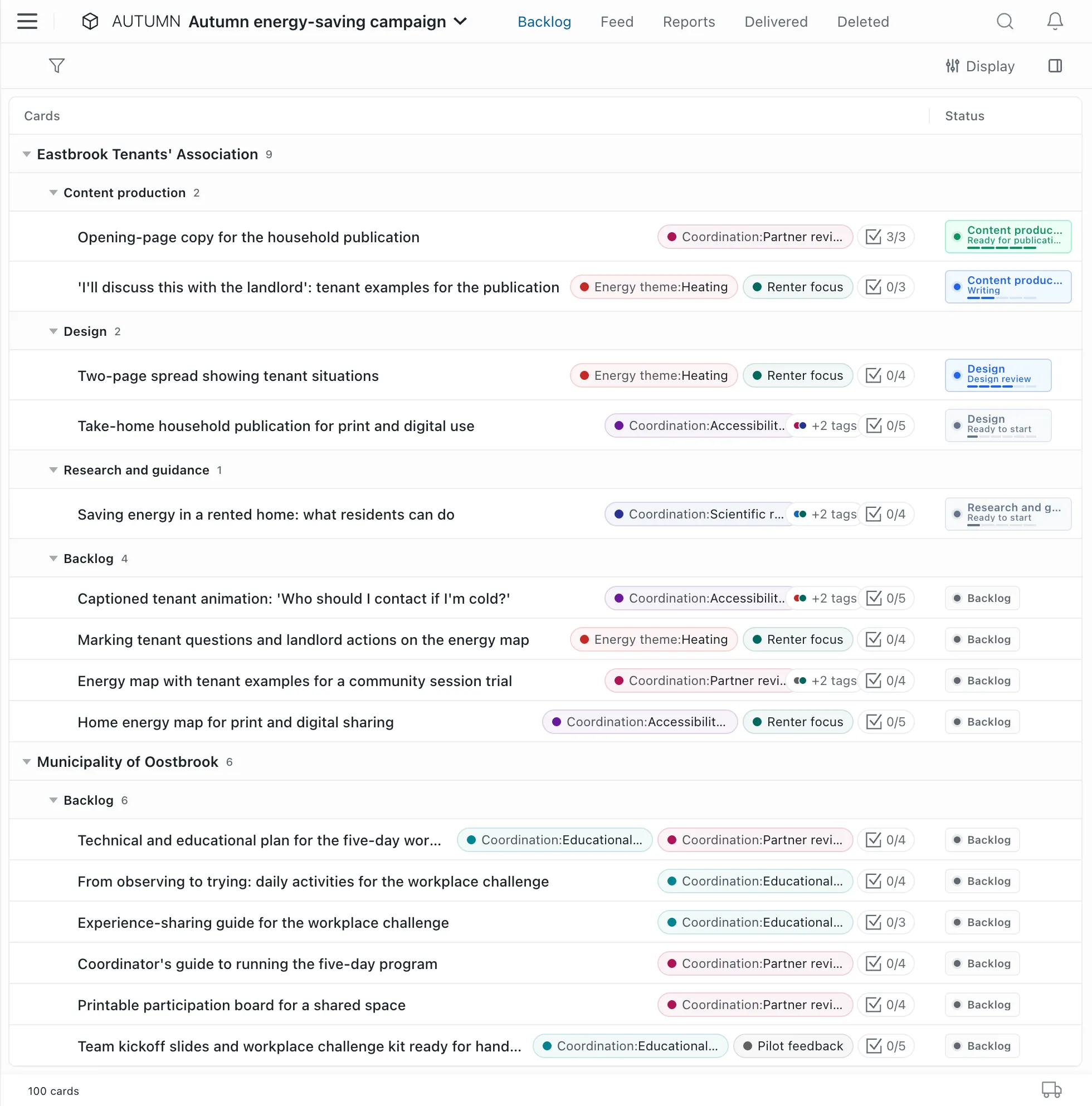
A project brings together the cards related to a common goal. It shows all the work identified for that goal: what's waiting, what's in progress, and what's done.

A PM Engine project with cards in order
Projects and boards, working together

One project, several processes

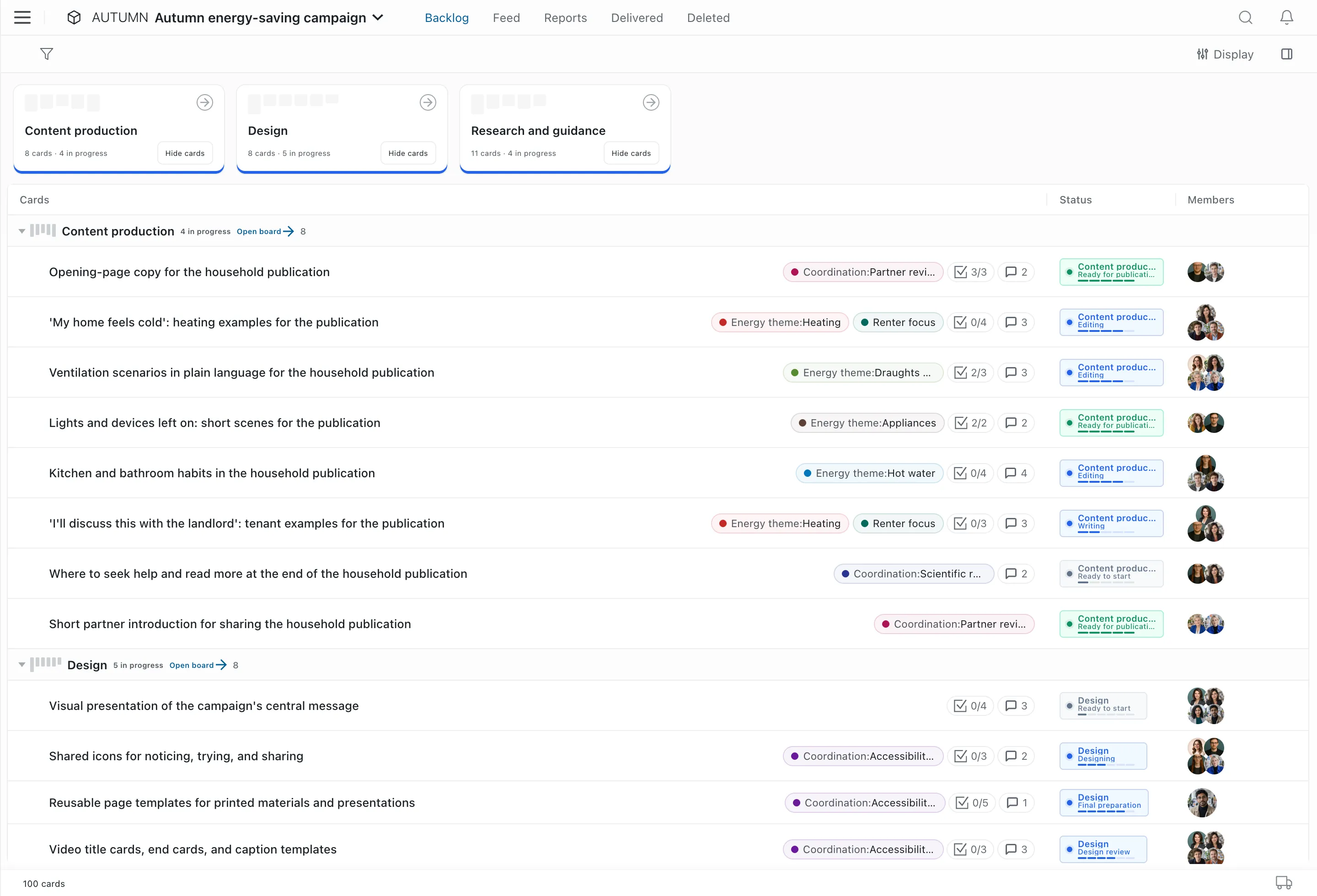
In most tools, the process is built into the project. That's fine until a project mixes design, development and marketing work. Then each needs its own path, and someone has to configure it. In PM Engine, the process belongs to the board. A design card goes to the design board, a marketing card to the marketing board, and that's all the routing there is. Several teams work on one project, each following its own process. And each team sees all its cards on one board, whichever project they come from.

A PM Engine board with cards from several projects
Always within reach

Work management that's always within reach

Enterprise systems are too rigid and cumbersome for most day-to-day work. Nobody opens one to prepare an event, handle an internal request, write a proposal or run a small development project. That work ends up in email and spreadsheets. PM Engine gives it a shared home. It's as easy to use as an office app. But unlike email, it keeps to-dos, processes, commitments and outcomes trackable.

A colleague sorts tasks into a folder while emails and a spreadsheet are set aside

More organized than spreadsheets and email

Who promised what, and where does it stand? In email and spreadsheets, you have to dig for the answer. In PM Engine, you open the card. The tasks, the discussion and the files are all there. The board shows how far each card has come. The project shows all the cards that serve the same goal.

Two colleagues move cards on a simple board

Simpler than an enterprise system

No months-long rollout. An enterprise system needs requirements, configuration and training before anyone can use it. PM Engine needs a few minutes. There are no field schemas or permission matrices to build first. Set up a new project or a team board, add the steps of your own process, and start working.

Two organizational units, each with its own board and administrator, connected to one jointly maintained PM Engine instance

One instance, multiple independent departments

Marketing wants to work its own way. So do HR and finance. Give each department a separate tool, and IT has three systems to maintain. In PM Engine, each department gets its own workspace, with its own administrators. IT maintains a single instance, and the departments manage their day-to-day work themselves.

Integrations

Works with the systems you already use

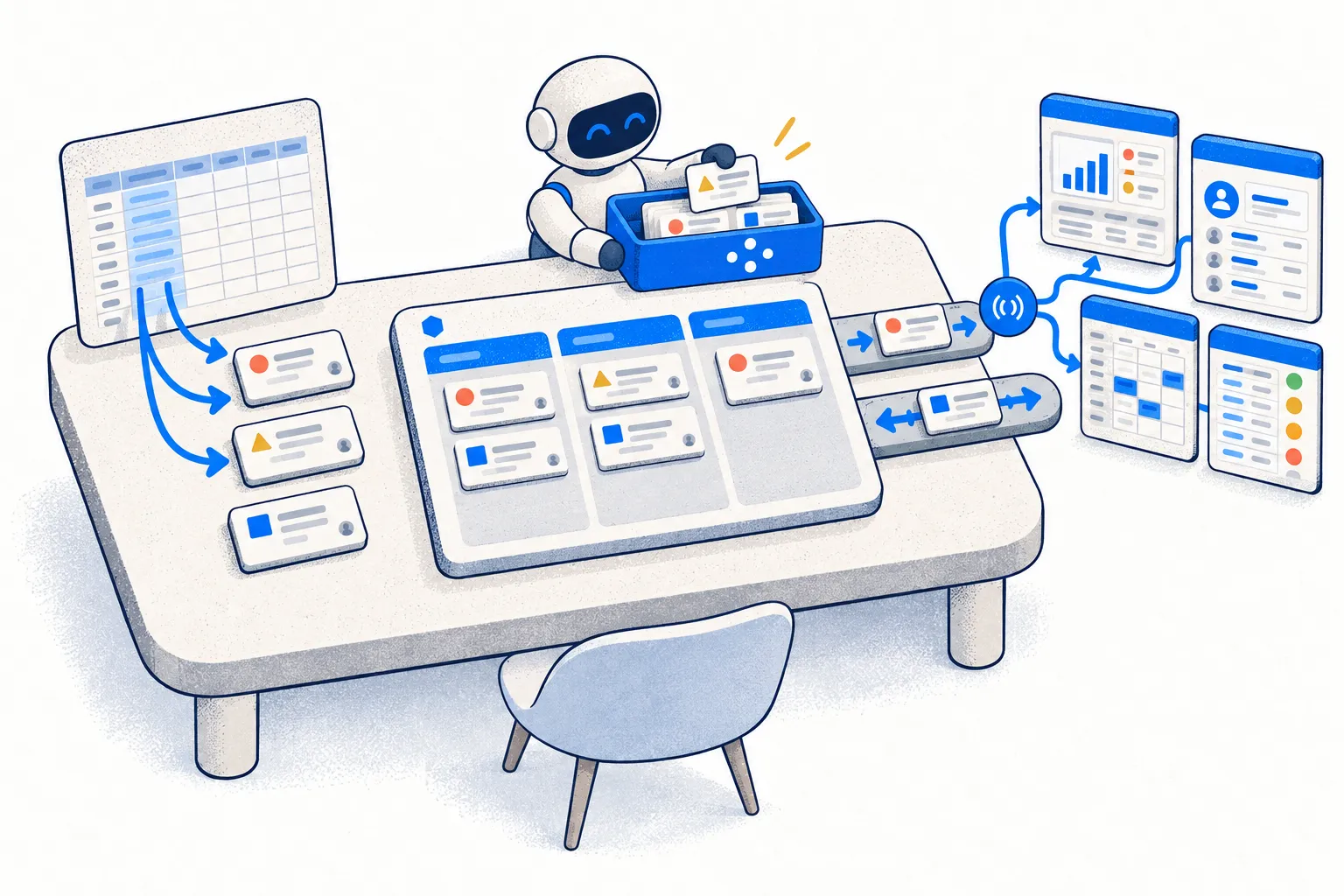
PM Engine connects to your organization's business applications and AI assistants. Custom integrations pass events between systems automatically, so there's less data to enter by hand. An AI assistant works directly on your cards and projects, but only the ones you choose.

The PM Engine desk: cards are created from an Excel sheet, an AI assistant works on cards, and events reach external systems
Excel import

Create cards from Excel spreadsheets

Import data from your Excel spreadsheets in a few clicks.

Webhooks

Tell your other systems when something changes

When a card is delivered, for example, PM Engine notifies the connected system.

REST API

Exchange data with your business applications

External systems can read and update data, or create new cards.

  • GETread
  • PUTupdate
  • POSTcreate
  • DELdelete
MCP server

Let your AI assistant work on your projects

The assistant reads only the projects you choose. And it changes them only if you let it.

  • ReadAllowed
  • WriteNot allowed
Direct support

You're not an account number at a distant vendor.

A work management system becomes part of your organization's daily operations for years. It matters who answers your questions, how quickly, and who decides where the product goes next.

We're a dedicated product team. We build PM Engine, and we're the ones who answer your questions. On the Enterprise license, we also offer one-on-one consulting and integration development.

Run it anywhere

Runs where it suits you best

Pick the operating system and the infrastructure that suit you. PM Engine is a native application for Windows, macOS and Linux, and anyone can install it on their own workstation. Need to move later? Archive the database and set it up on a new machine at any time.

Fully portable

Your own workstation

Windows · macOS · Linux

Your own on-premises infrastructure

A cloud provider you trust

Managed hosting (SaaS)*

* For a service fee, with the cloud provider of your choice.

Pricing

Clear pricing. No surprises.

Starter

Free

Up to 5 users, no time limit, self-hosted

  • Perpetual right to use for up to 5 users
  • Every feature
  • Unlimited workspaces, projects, boards and cards
  • Community support
Compare plansDownload for free

Annual subscription

€45

per user per year + VAT, minimum of 10 seats

Perpetual license

€129

per user + VAT, one-time fee, minimum of 10 seats

  • Every feature and unlimited workspaces
  • Every new version released during the subscription
  • Email support, with a response within 24 hours on business days
  • Add seats mid-year at a prorated fee
  • Perpetual right to use for the number of seats you bought
  • Every feature and unlimited workspaces
  • The first purchase includes 12 months of maintenance (new versions and support)
  • Email support during the maintenance period, with a response within 24 hours on business days
  • Add seats even after maintenance has expired
Compare plansOrder a subscriptionOrder a perpetual license

Enterprise license

Custom quote

Available from 100 users

  • Annual subscription or perpetual license, by custom quote
  • Rollout support
  • Custom support terms
  • Custom branding and database options, by separate agreement
Compare plansRequest a custom quote

Order an annual subscription

Order

€45 per user per year + VAT for every seat, with a minimum of 10 seats. No payment is taken on this page.

License

Enter your whole team size. Paid licenses are sold with a minimum of 10 seats.

Billing details

Required for Hungarian addresses.

Contact person

We send the invoice and order-related notifications to this address.

We call only to clarify the order.

Start for free. Expand when your organization needs more.